Thoughts, tutorials, and insights
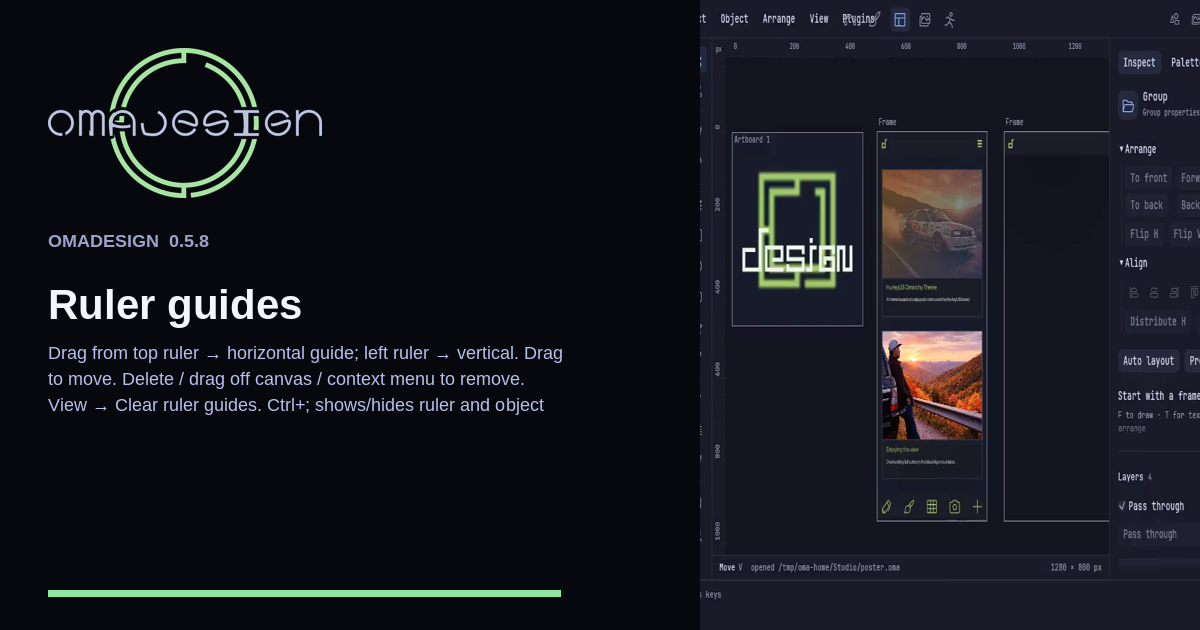
Drag a horizontal guide from the top ruler and a vertical guide from the left. Delete, drag off the canvas, or use the context menu to remove one. Ctrl+; shows or hides ruler and object guides.
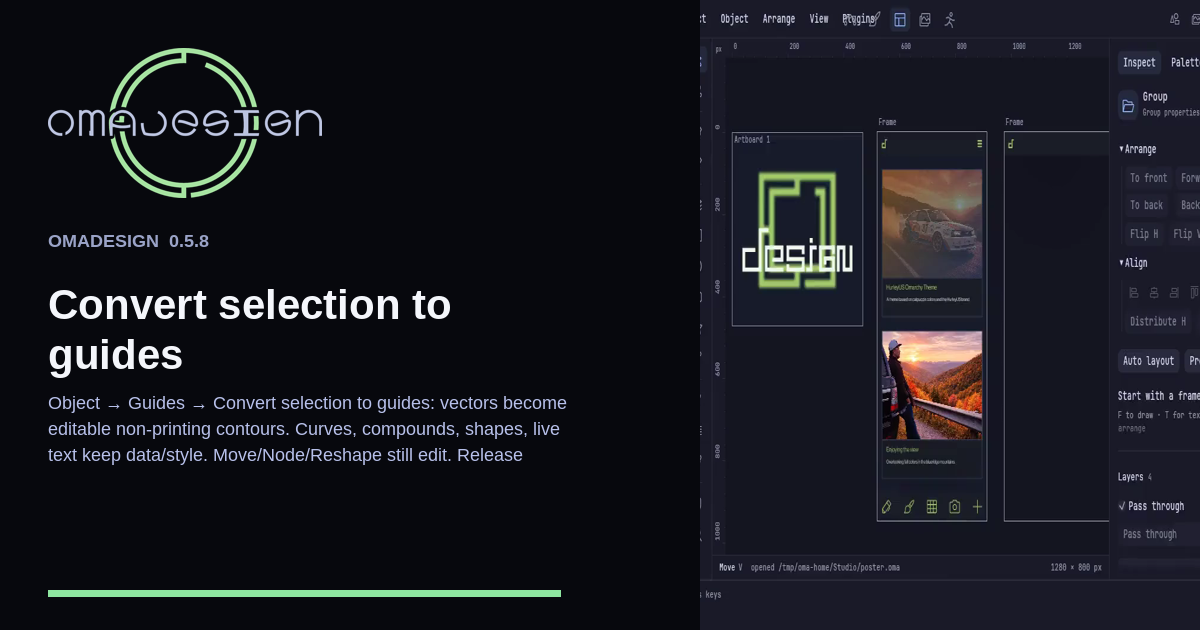
Object → Guides → Convert selection to guides turns vectors into non-printing contours you can still edit. Curves, compounds, shapes, and live text keep their data. Release guides restores the artwork.
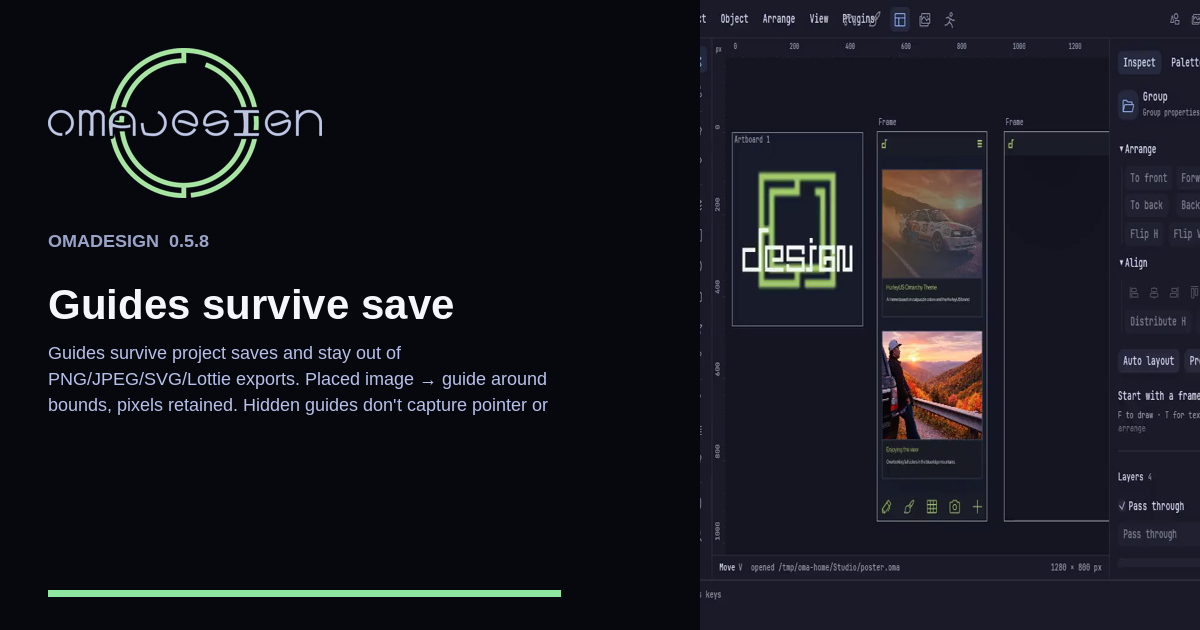
Guides stay in the .oma when you save, and they stay out of PNG, JPEG, SVG, and Lottie. A placed photo keeps its pixels.