
Thoughts, tutorials, and insights
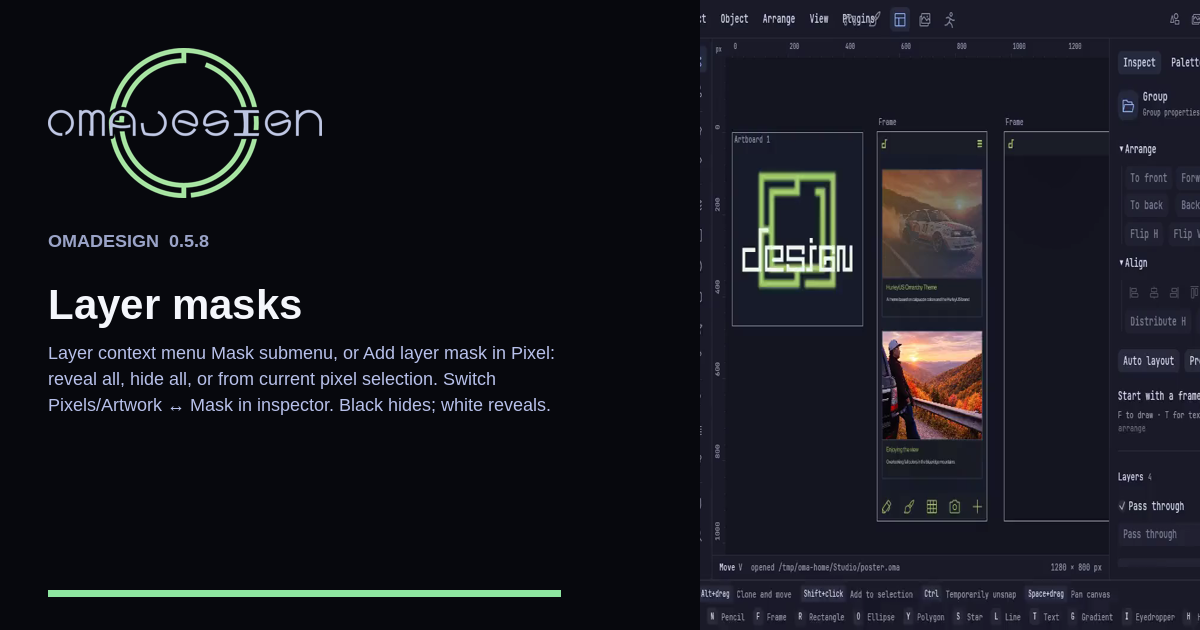
Add a layer mask from the layer menu or the Pixel inspector. Reveal all, hide all, or start from the selection. Black hides. White reveals. The pixels stay put.
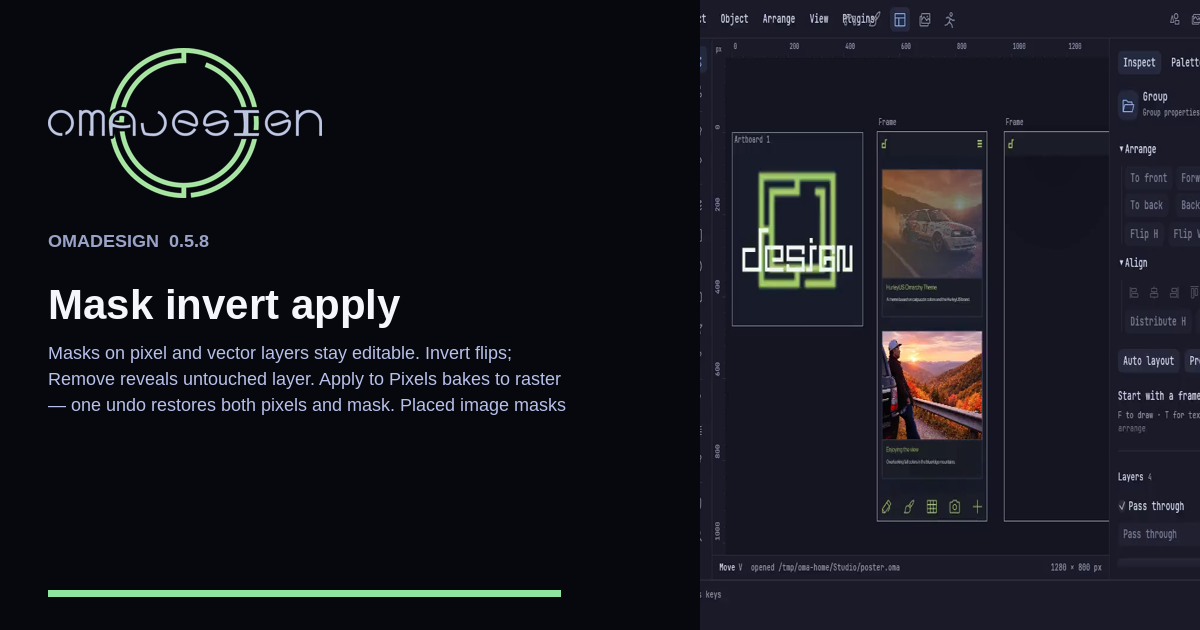
Invert flips coverage. Remove puts the original layer back. Apply to pixels bakes a raster and one undo restores both the pixels and the mask. Placed-image masks follow the transform.