Thoughts, tutorials, and insights
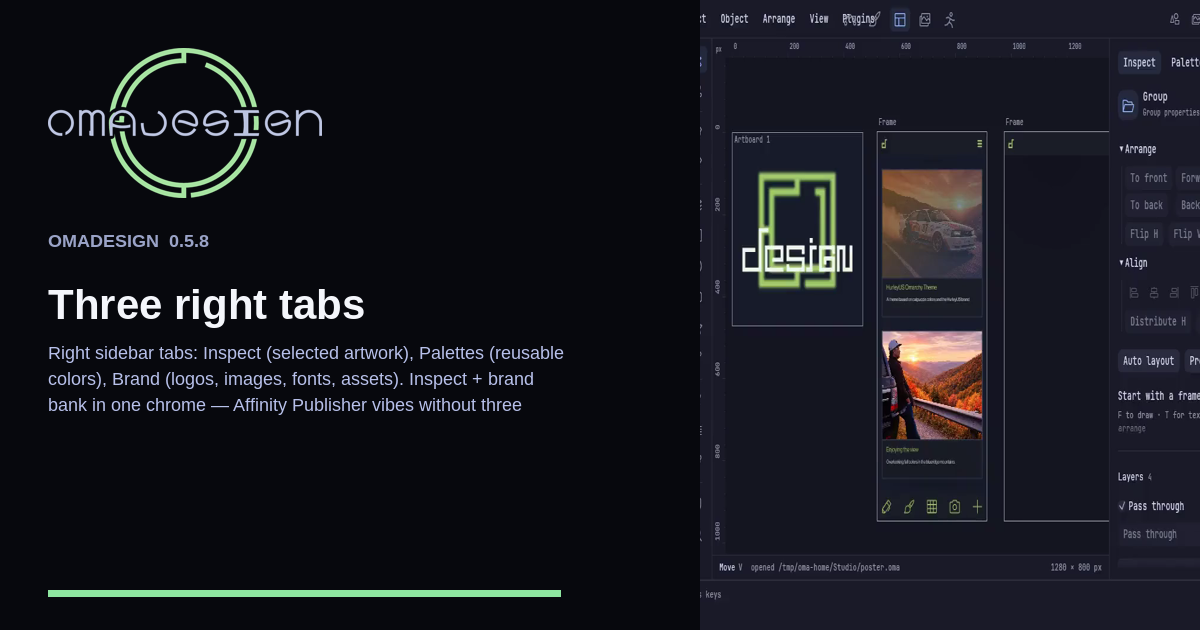
The right sidebar is three tabs. Inspect for the selected artwork, Palettes for reusable colors, and Brand for logos, images, fonts, and other assets.
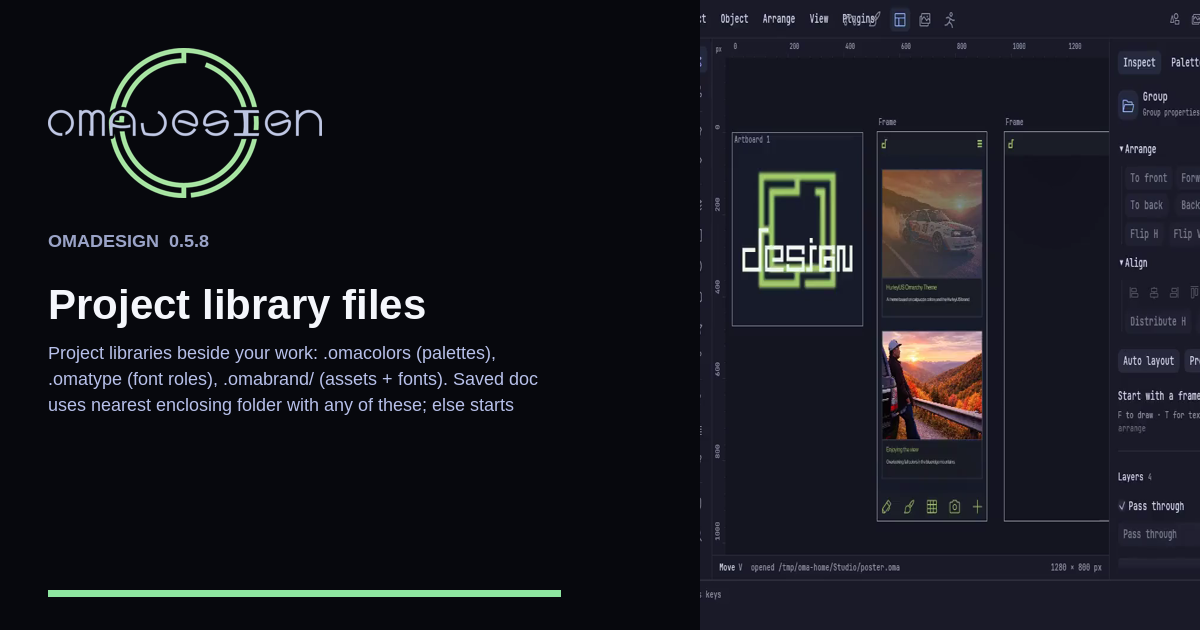
Project kits sit beside the work as .omacolors, .omatype, and .omabrand/. A saved document uses the nearest enclosing folder that has any of them, or starts beside the document.
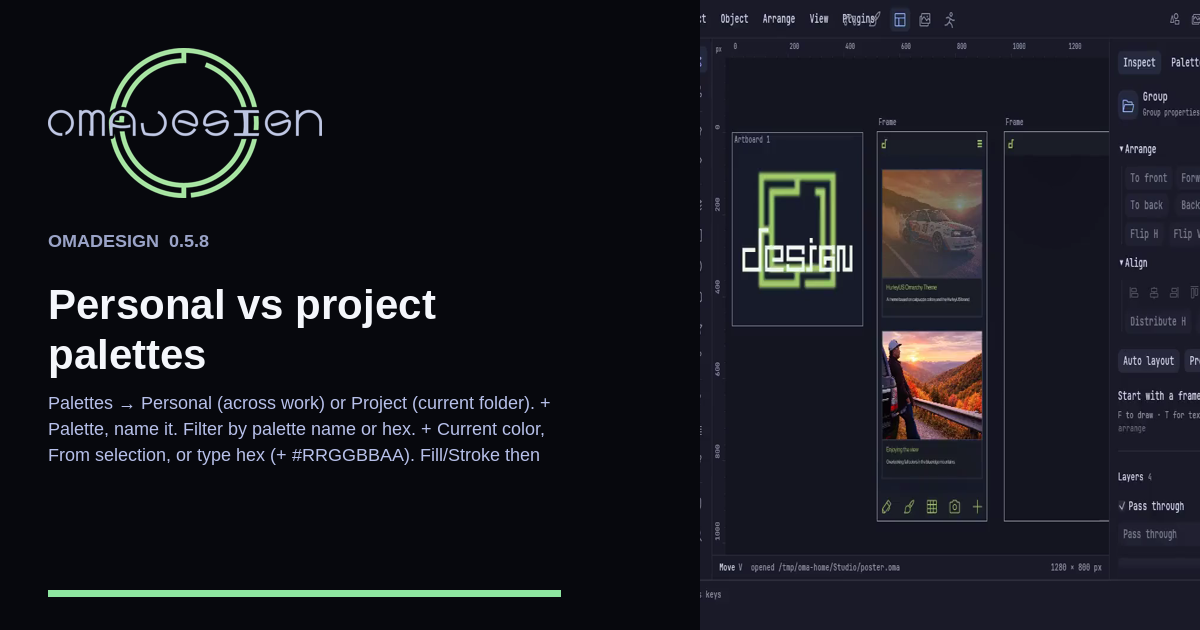
Palettes are Personal across your work or Project in the current folder. Name a palette, filter it, add the current color, the selection, or a hex including #RRGGBBAA, then click a swatch onto Fill or Stroke.