
Thoughts, tutorials, and insights
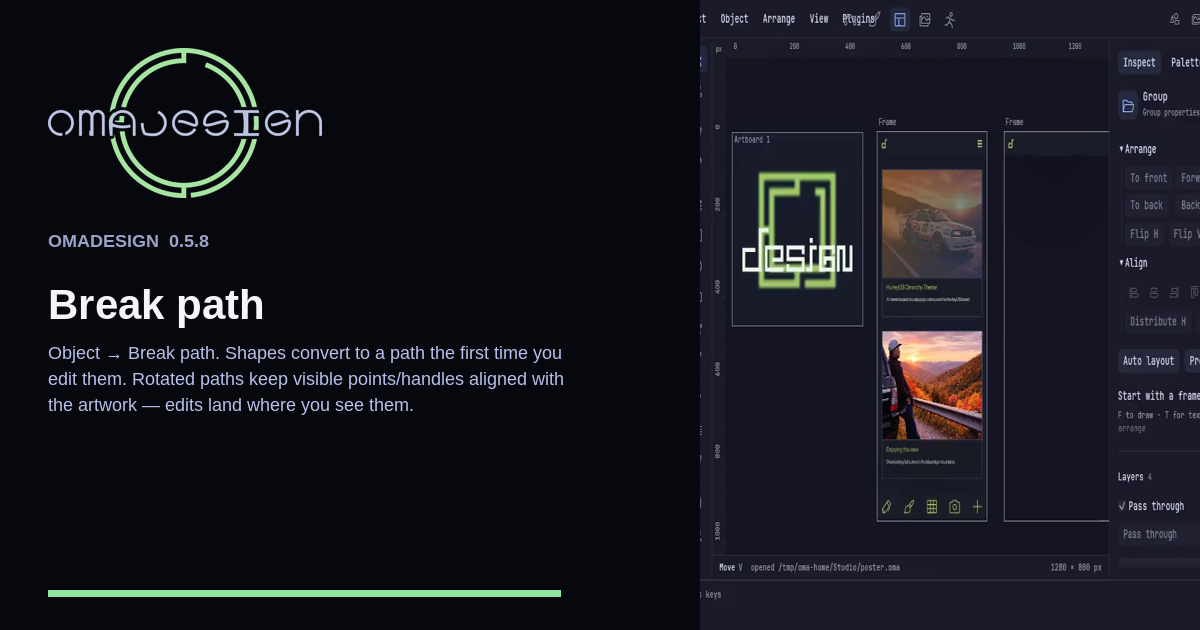
Object → Break path turns a live shape into points that sit on the rotated artwork. The first node edit converts the same way. Selecting the path writes no undo.
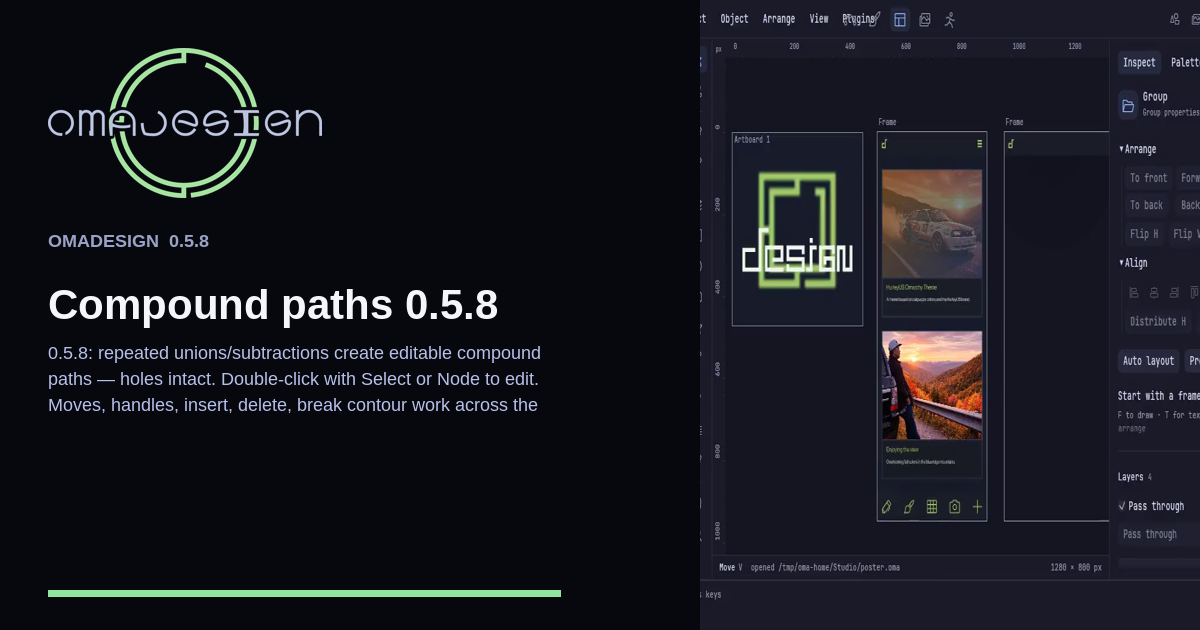
In 0.5.8, repeated unions and subtractions stay editable compound paths. Holes stay holes. Double-click with Move or Node and you can move points, pull handles, insert, delete, and break a contour.