Thoughts, tutorials, and insights
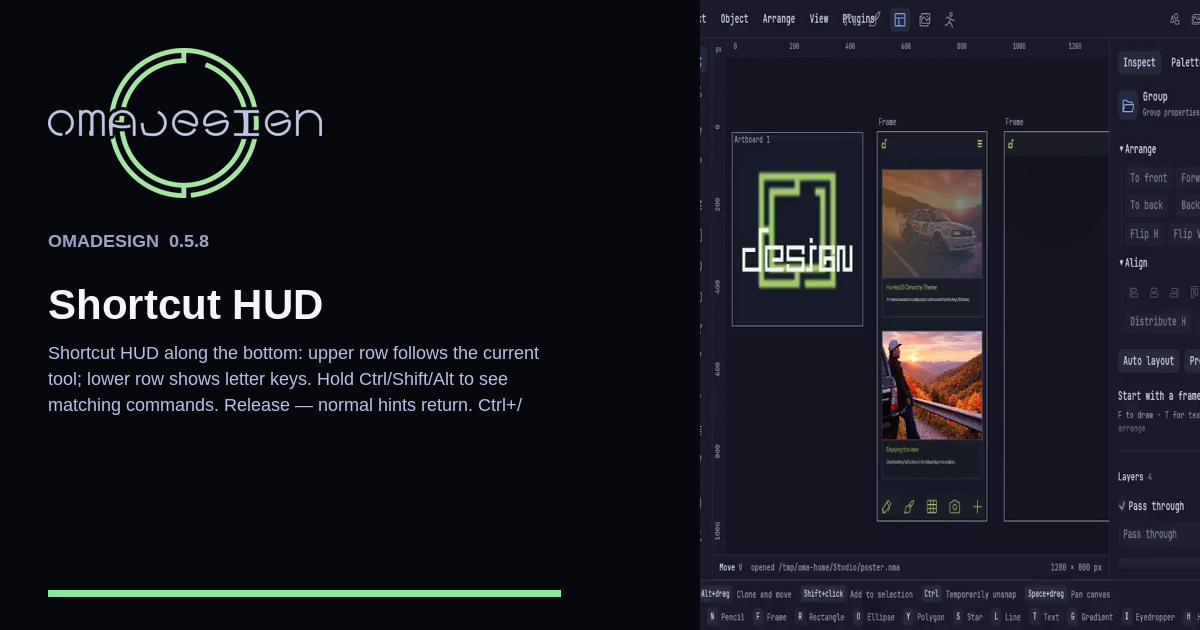
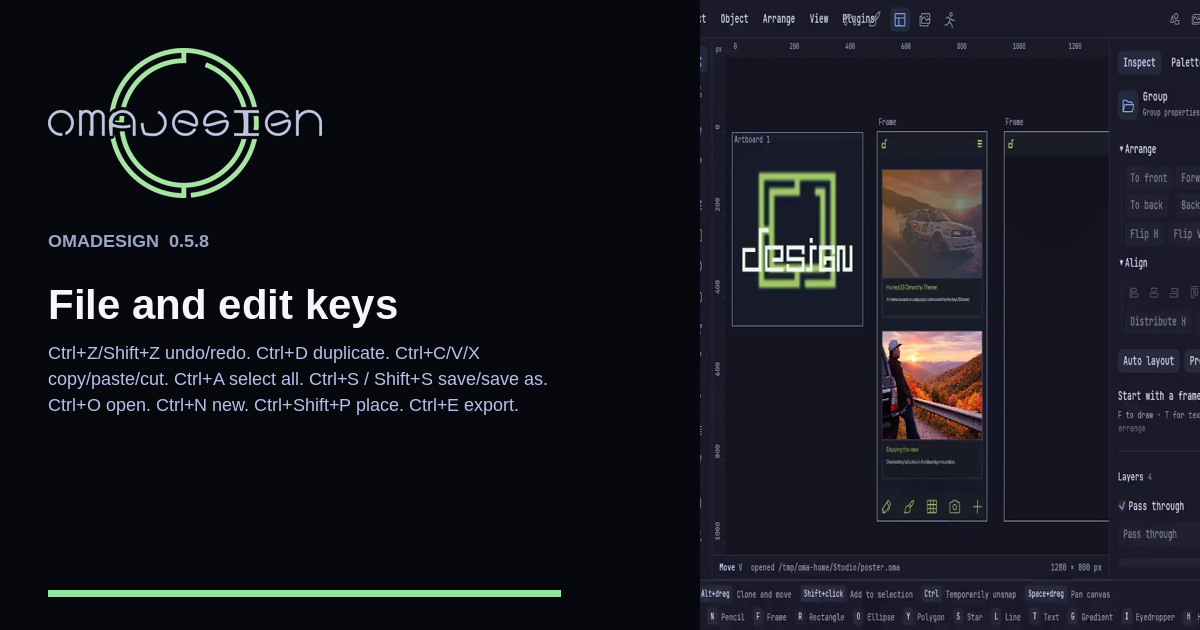
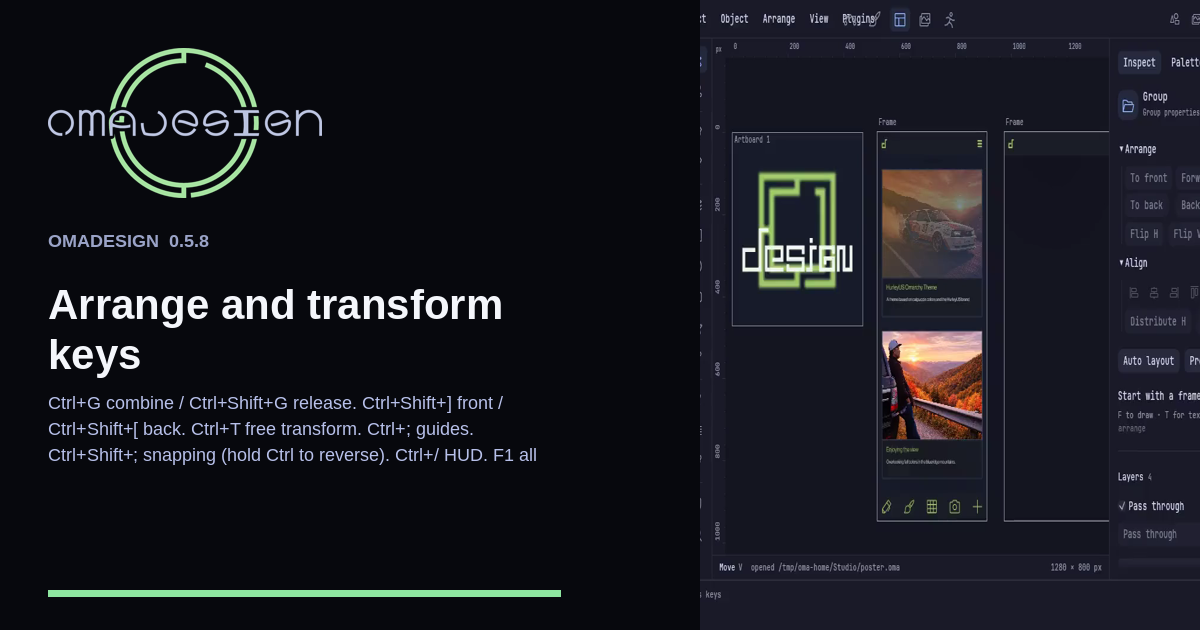
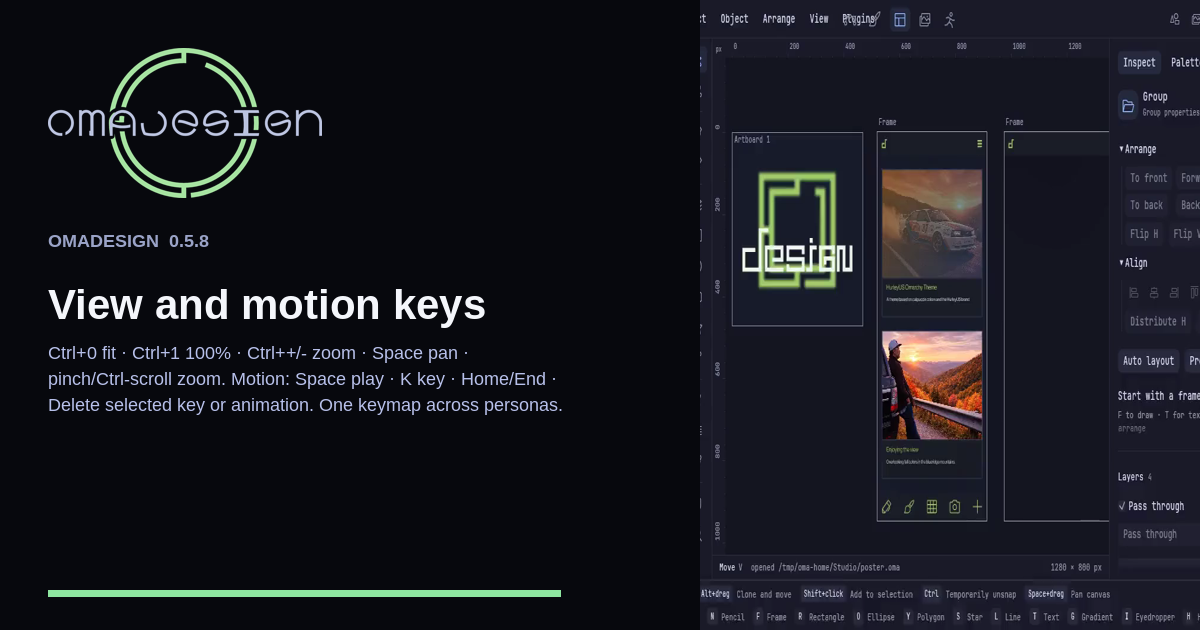
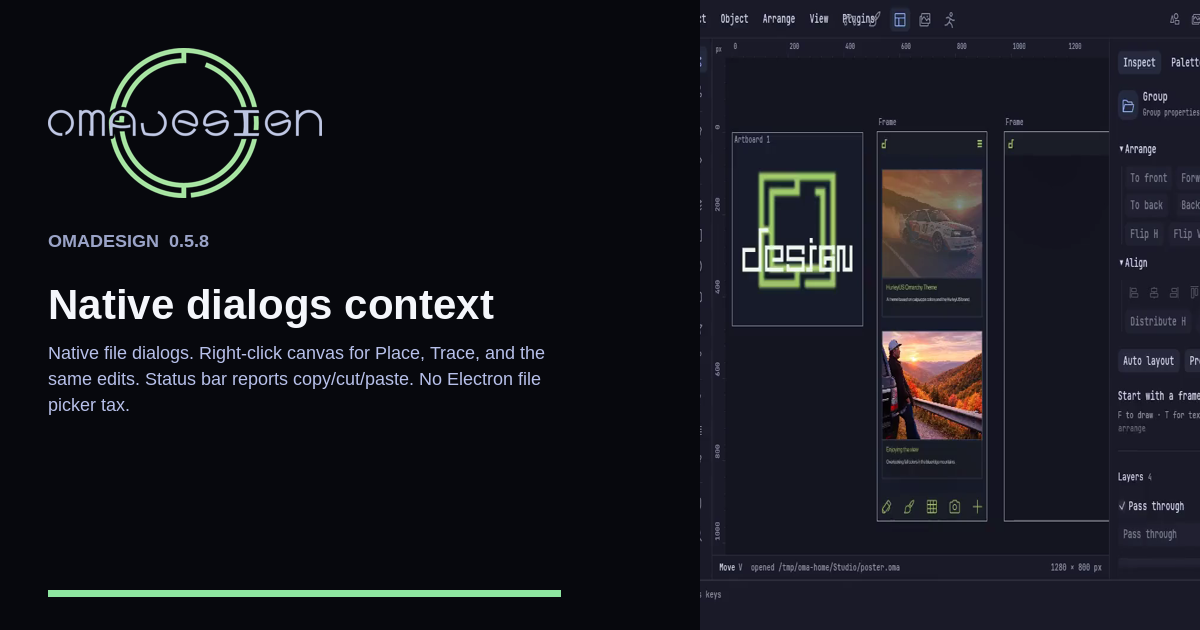
The Shortcut HUD sits on the bottom edge. The upper row follows the tool. The lower row lists letter keys. Hold Ctrl, Shift, or Alt to see those commands. Ctrl+/ toggles it.
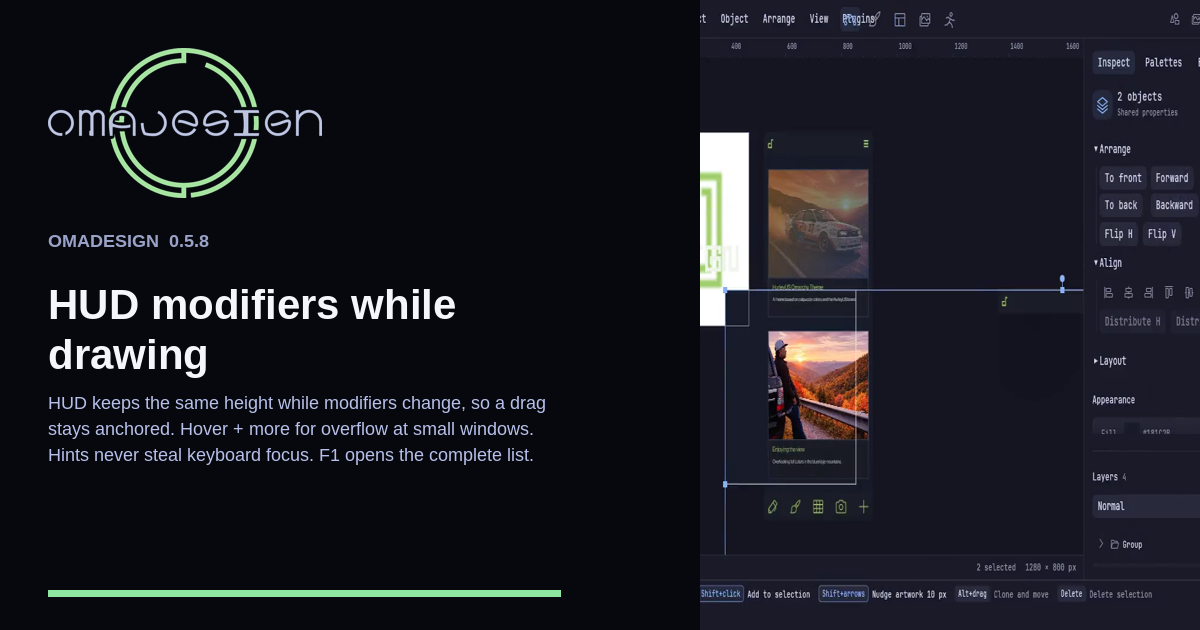
The Shortcut HUD keeps a constant height when modifiers change, so a drag does not jump. Hover + more for overflow. Hints never take the keyboard. F1 is the full list.
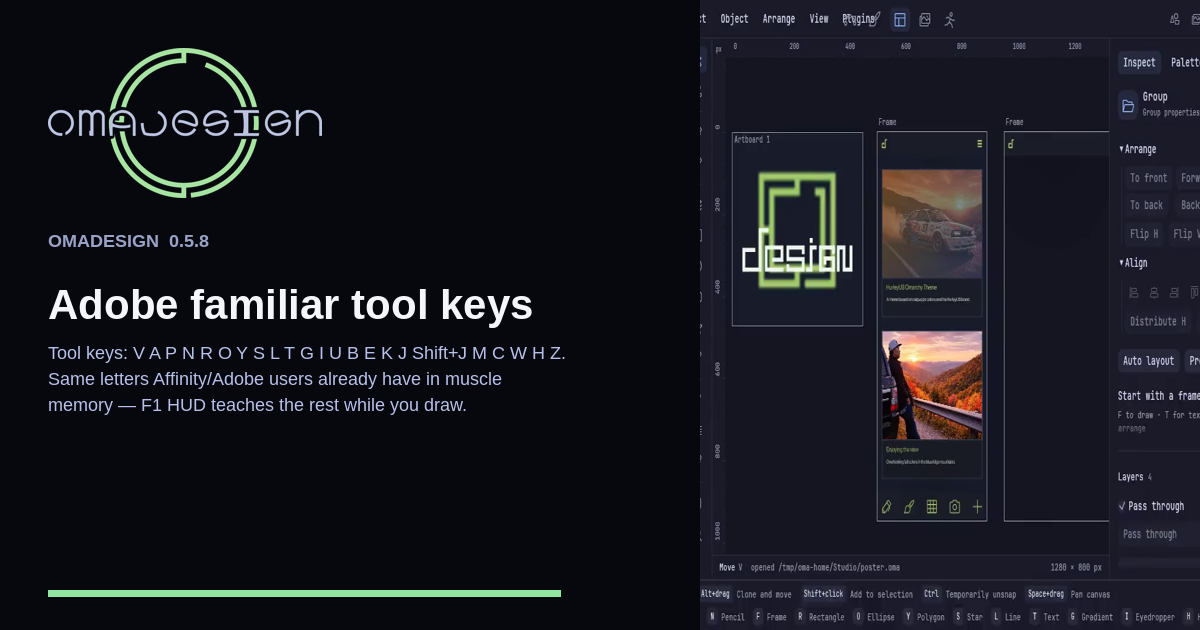
The tool letters are V A P N R O Y S L T G I U B E K J, Shift+J, M C W H Z. F1 opens the full list. The HUD at the bottom follows the tool you are holding.